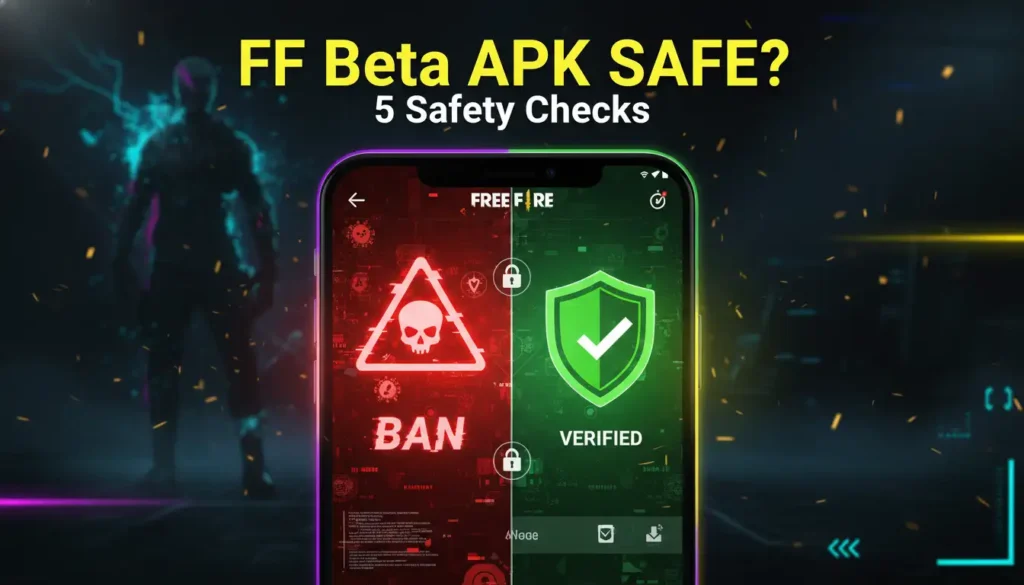
Is FF Beta Testing APK Safe? 5 Safety Checks Before Installing (No Ban)
You want to try the FF Beta Testing APK. But you have also heard the horror stories. Banned accounts. Stolen logins. Phones filled with malware.
Here is the truth most blogs will not tell you: The Beta APK itself is safe. Where you download it from is the danger.
Below are 5 safety checks to perform before installing anything.
1: Verify the File Name
Garena has specific patterns to name its official Beta APK files. Be conscious with the names and you are all set:
- Correct format is: FF_Beta_OB[number]_[version].apk
- Example: FF_Beta_OB47_v10.2.1.apk
- Avoid if you see any other format like: FF_Free_Diamonds.apk, FF_Mod_Menu.apk, FF_Unlimited_Coins.apk
Not sure if Beta APK is worth the hassle? Read why pro players choose Beta over Global first.
2: Check File Size Before Downloading
| Version | Authentic File Size | Unauthorized File Size |
|---|---|---|
| FF Beta Testing Version | 550 – 650 MB | Under 100 MB or over 800 MB |
| OBB data file (separate) | 700 MB – 850 MB | Any except size |
An official APK must be between the above mentioned sizes. If the size feels too good to be true, take it as a red flag.
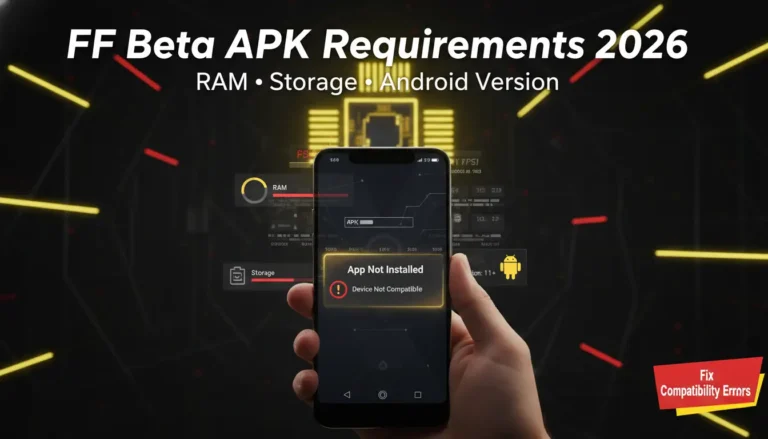
Done with the downloading file but not sure if your phone can handle it? Check FF Beta APK requirements first.
3: Inspect the Download Source URL
Never jump to any site before taking the safety checks. Safe sources always share these signs:
- Secure Protocol like HTTPS (not HTTP) in the URL.
- No “free diamonds” or “unlimited” etc in the domain name.
- Active users’ comments from the past 2 weeks.
Unsafe sources have:
- Pop-up ads that never stop.
- You have to go through an unauthentic CaptCHa fillup.
Follow the cautions and stay safe online.
4: Scan Before Installing
Even though everything feels safe, scan the APK before running this on your device. You can use the free antivirus scanners available online.
If any scanner indicates the file as malicious, delete the file immediately.
5: Never Log In With Your Main Account First
This is the most important rule you should follow before playing the game. When you first install the FF Beta Testing:
- Use a guest account. Do not connect Facebook or Google yet.
- Play for 24–48 hours. Monitor if the app behaves normally.
- If these checks are passed only then connect your real account.
Quick Reference: Safe Download Checklist
- The file name matches the FF_Beta_OB[number] pattern.
- File size is between 550–650 MB.
- The download source has a secure protocol like HTTPS and recent comments.
- Virus scanner shows 0 detections.
- First login with a guest account for 24+ hours.