Find & Report Bugs in FF Advance Server 2026: 3 Methods That Get Rewards Fast (Tested)
You have Installed the FF Beta testing APK and have played a few matches as well and now you want to get exclusive rewards like Skins, diamond, and badges etc.
Getting all these is super easy if you know how to make them yours.
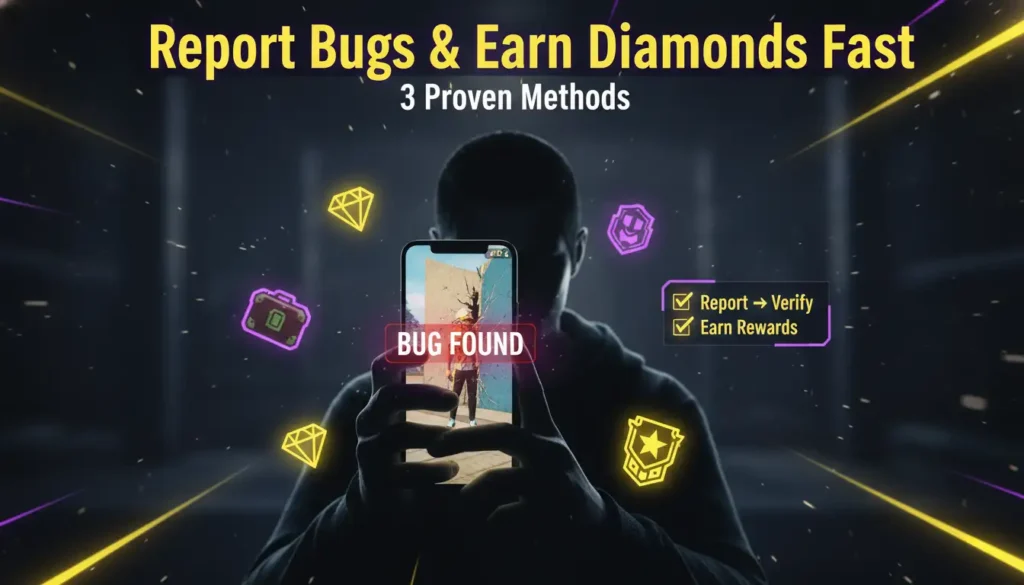
Here are some quick tips to achieve all these perks that no one will tell you: Reporting a pop up “game crashed” shall get you nothing, instead report a specific reproducible bug to get highest rewards.
Following are the three methods that have been tested and actually worked for beta users. Use these methods to get noticed by Garena.
1: The Replication Method (Highest Reward Rate)
The one mistake that most players make is that they report a bug once and if they do not get a response they just move on. Garena usually ignores these types of reports because they cannot confirm if the bug is real or just a one time glitch.
Use the correct way to reproduce the bug and get noticed.
- Be an active player until you encounter a bug during gameplay.
- Try to make it happen again in the same match.
- Make another effort to run into the bug again in a second match.
- If the bug appears again after restarting the game it’s a perk.
Done with the evidence of the bug, now write a report. If not sure what to write in your report, have a look at the given sample:
Not yet on the Advance Server? Learn how to download FF Beta Testing APK safely without ban risk first, because you cannot report bugs without the game.
2: The Video Evidence Method (Double Rewards)
Reporting the bug in a text format is good but a video report is twice as likely to get rewarded.
A quick guide how to capture the whole process properly:
- Use your device’s built-in screen recorder to record the bug.
- Show the bug happening twice in a row in the same video.
- Show your device information like android version, RAM, and model etc. at the end of the video.
- Ensure to keep videos under 30 seconds.
Done with the recording now upload the video on:
- YouTube, but keep it under the “unlisted link”.
- Google Drive, keep it with the “anyone with link”.
Paste the link directly into your bug report form. Garena engineers can watch, verify, and approve your reward faster.
3: The Priority List Method (Fastest Approval)
Garena does not care about all bugs equally. Some need instant attention and matter more than others. Report these first for fastest reward approval:
| Priority Level | Bug Type | Example | Expected Reward |
|---|---|---|---|
| Highest | Failed login | Login failed after installation or update | 500 diamonds + badges |
| High | Crash Midway | Game crash while opening inventory | 300 diamonds |
| Medium | Visual glitch | Fences are unexpectedly high, floating trees etc. | 100 diamonds |
| Low | Language error | Caption is in another language | 50 diamonds |
The Complete Bug Report Template (Copy-Paste Ready)
Caught the bug and ready to report it but hesitating in writing an effective report. You can use this exact structure for every report:
- Bug title: (a short 5 to 10 words long title)
- Game version: (e.g. OB 47 beta v10.2.2)
- Device model: (e.g. Samsung Galaxy A02)
- Android version: (e.g. 16)
- Steps to reproduce: 1. 2. 3.
- Expected results: (what should happen)
- Actual results: (what actually happened)
- Video Link: (optional but recommended)